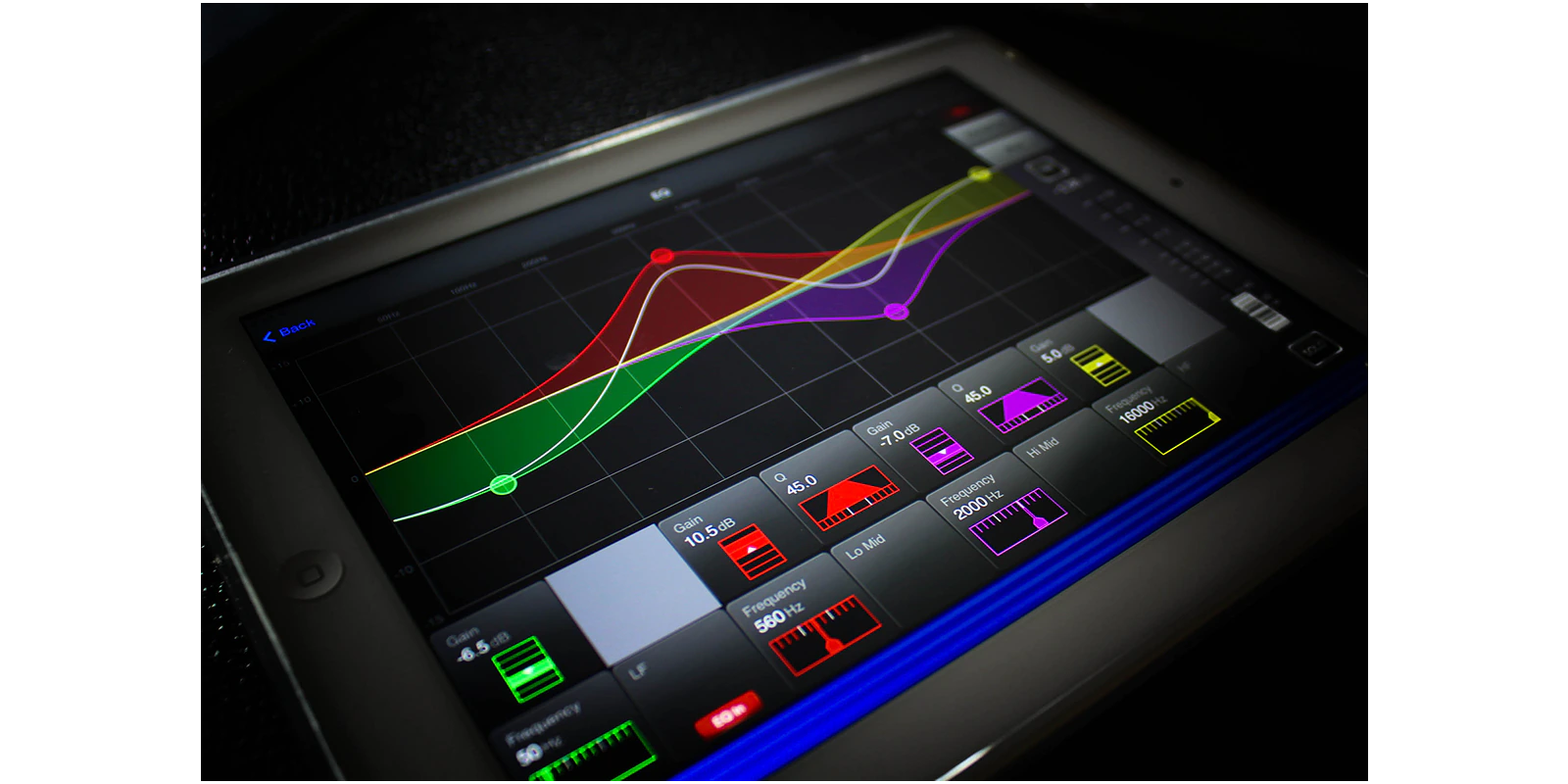


The Soundcraft ViSi Remote is an iPad app which provides wireless control of Soundcraft Si Expression, Si Compact, Si Performer and Vi Series consoles. ViSi Remote allows you to mix and contour your sound from anywhere in a venue without being constrained by cables.
Systems can be configured to run in several ways.
- A single iPad can control one console’s levels and graphic EQ.
- Multiple iPads can control a single console’s settings. This means that artists can each control their own monitor mix directly from their performance position on stage.
- A single iPad could control a number of consoles in a network, which may include any of the consoles noted in the above range, so Si and Vi consoles may be mixed on a network.
- The ViSi app may be used as an offline familiarisation tool.
Simply connect a Wireless Router* to the HiQnet port on the console and mix remotely within minutes. * Soundcraft does not guarantee operation with all wireless routers. 
Applications
| • | Optimise the front of house mix from anywhere in the room |
| • | Set mic gains and 48V from the stage |
| • | Adjust monitor levels while standing next to the artist |
| • | Adjust channel strip settings remote from the console |
| • | Use to extend the fader count of an existing control surface |
| • | Use in standalone mode for familiarisation with console functions |
| • | Control a network of consoles (e.g. FOH and Monitor) |
| • | Provide a separate surface for DMX functionality (Si Performer only) |
| • | Allow multiple users on the same console to control their own mixes |
| • | Have a global metering overview or "meter bridge" as an extension of the console |
Functions controlled
| • | Channel naming | ||||||||||||||
| • | Input faders and mutes | ||||||||||||||
| • | Bus, master LR and VCA master faders and mutes | ||||||||||||||
| • | Mic Gain and 48V | ||||||||||||||
| • | ACS Settings include: | ||||||||||||||
|
|||||||||||||||
| • | Graphic EQs on all bus outs | ||||||||||||||
| • | Channel contributions to each Aux Mix | ||||||||||||||
| • | Channel contributions to each FX bus | ||||||||||||||
| • | Mix contributions to each matrix bus | ||||||||||||||
| • | DMX Masters (Si Performer Only) |
Compatibility
ViSi Remote V2.1.4 Console Software Requirements:
| ViSi Remote V2.1 * | Si Performer V1.6 build 0006 Si Expression V1.6 build 0006 Si Compact V3.1 build 0006 Vi Series V4.6 or higher ** Vi3000 V5.0.0.229 or higher ** |
| ViSi Remote V1.2.4 * | Si Performer V1.1 build 6 or higher Si Expression V1.0 build 4 or higher Si Compact V2.2 build 5 or higher Vi Series V4.6 or higher |
Note: The Latest software listed above is needed in order to access the ACS settings of the console. Older software versions would result in no added control benefit from ViSi Remote V1.2.4.
** Vi series consoles will work with ViSi V2.1 but have the same functionality as V1.2.4. Connection reliability has improved in ViSi 2.1 however there are no other new features for Vi Users.
* How to find the version of ViSi Remote if it's already installed:
1. Start the ViSi Remote app.
2. Press the 'Devices' button in top left corner of screen to open the Devices list, if it is not already open.
3. Press the 'info' button in the bottom right of the Devices list to see the version number.
ViSi Remote V2.1 iOS Compatibility
iOS 6 or higher is required to run ViSi Remote V2.1
Note for iPad Users
iPad 1 devices are not compatible with iOS 6 and cannot use the ViSi Remote V2.1 Remote App.
ViSi Remote V1.2.4 is still available for iPad 1 users wishing to use the ViSi Remote App.

 atualizado: abr 2026


 Apoio a Consultores